Spooled files into documents, for IBM i.
Open output management.
Spooldoc turns IBM i spooled files into documents. It watches your output queues and reads each spooled file into JSON with a definition you write in YAML. Templates in HTML, Word or Excel make PDF, HTML, DOCX or XLSX files, delivered to a download or a folder in the IFS. The agent proposes the first definition and template from a sample; you check every value next to the page. Nothing is installed on the IBM i.
Quick start, with Docker
git clone https://github.com/Strom-Capital/spooldoc.git && cd spooldoc
printf 'BETTER_AUTH_SECRET=%s\nSPOOLDOC_SECRET_KEY=%s\n' "$(openssl rand -base64 32)" "$(openssl rand -base64 32)" > .env
docker compose up -d
Then open http://localhost:3000 and create the first account. See Getting started for the first job.
Programs print as they always have
Your programs on the IBM i (AS/400, iSeries) print to output queues, unchanged. Spooldoc connects through jt400 and runs a job for every new spooled file, by polling or in real time through a data queue. A run reads the file, extracts the page groups, makes a document of each with every template, delivers the files, then holds, moves, deletes or leaves the spooled file. Nothing is installed on the IBM i.


From a sample page to a delivered document
Home
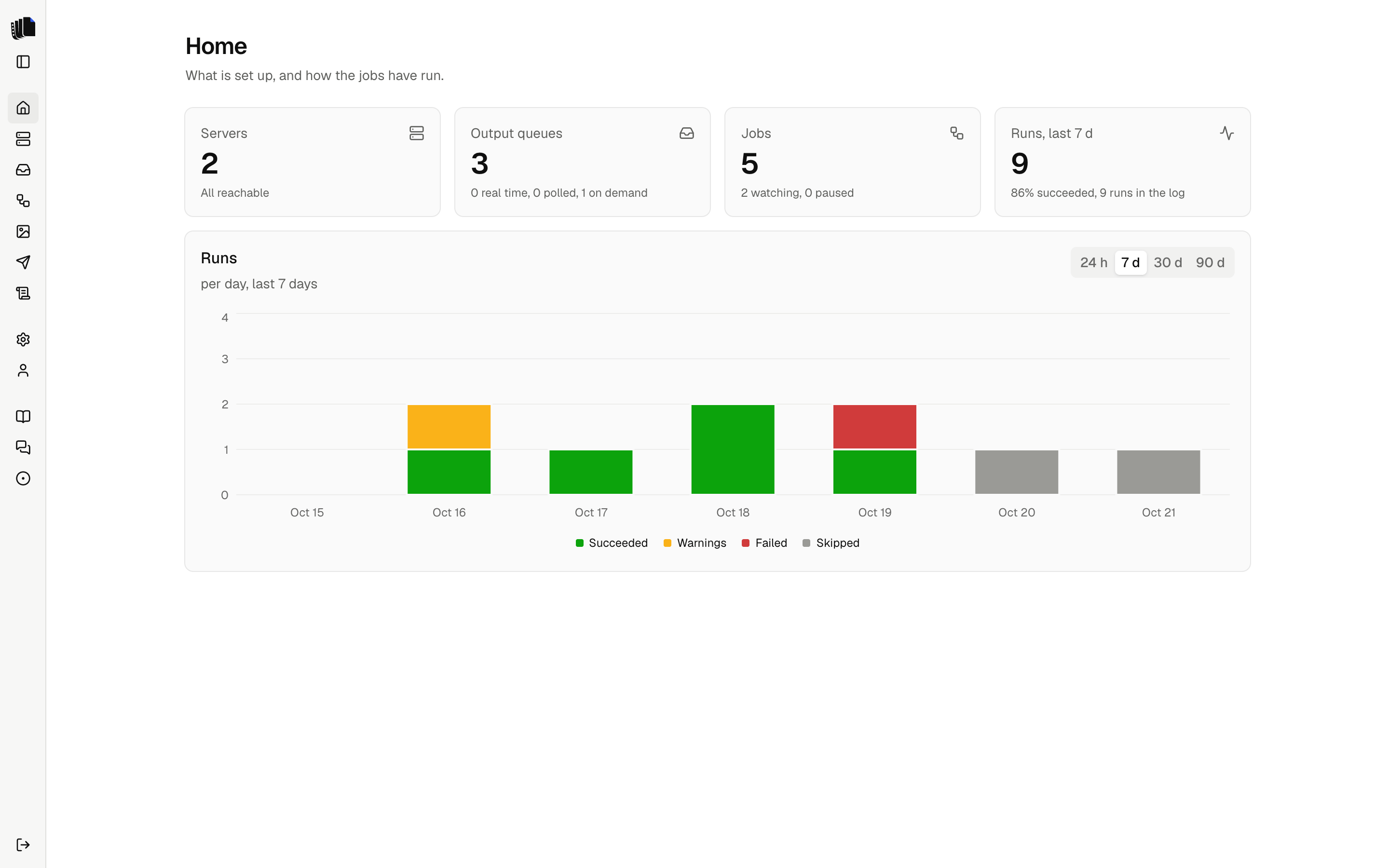
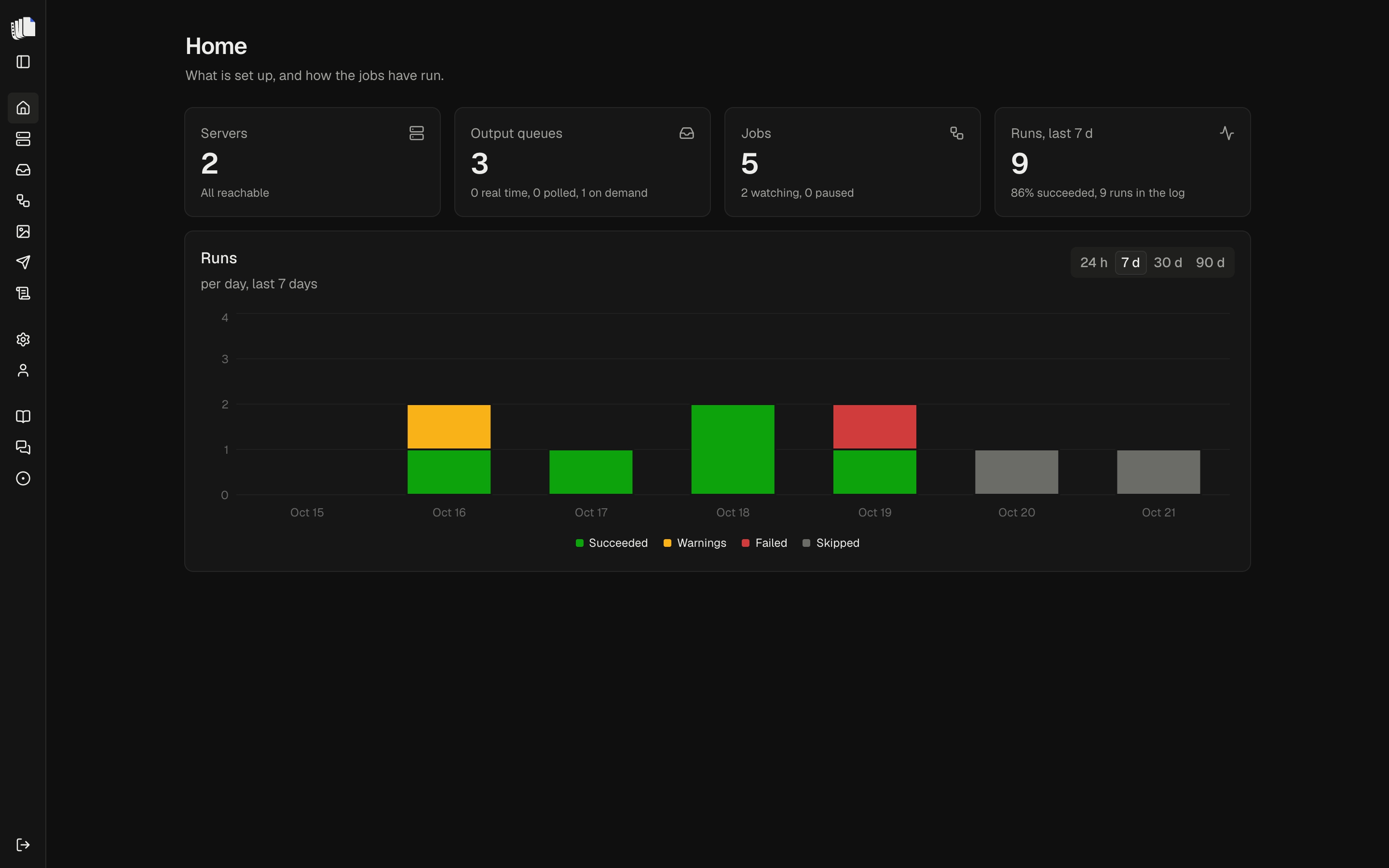
Servers, output queues, jobs and runs at a glance, with a chart of runs per day.
Job builder
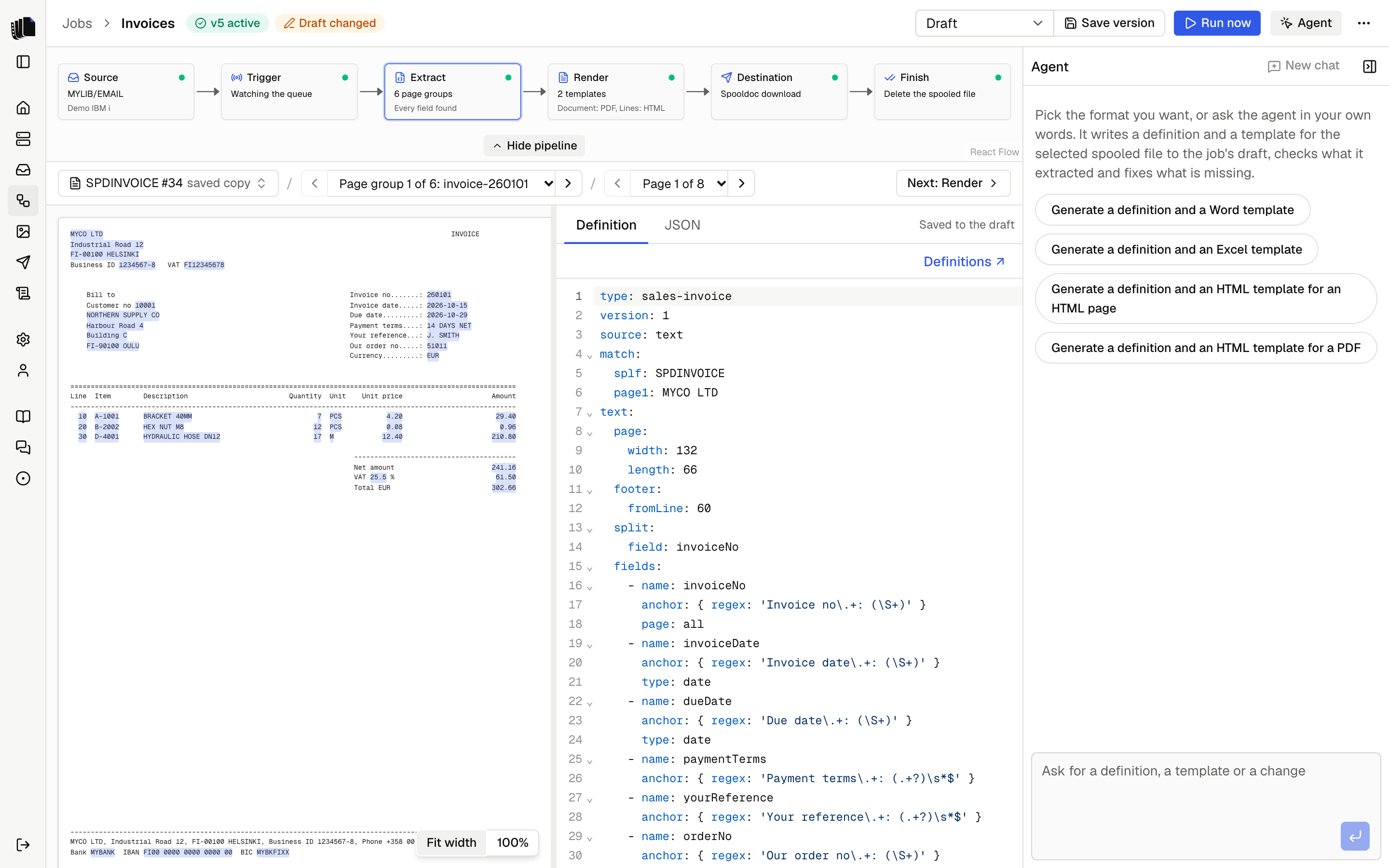
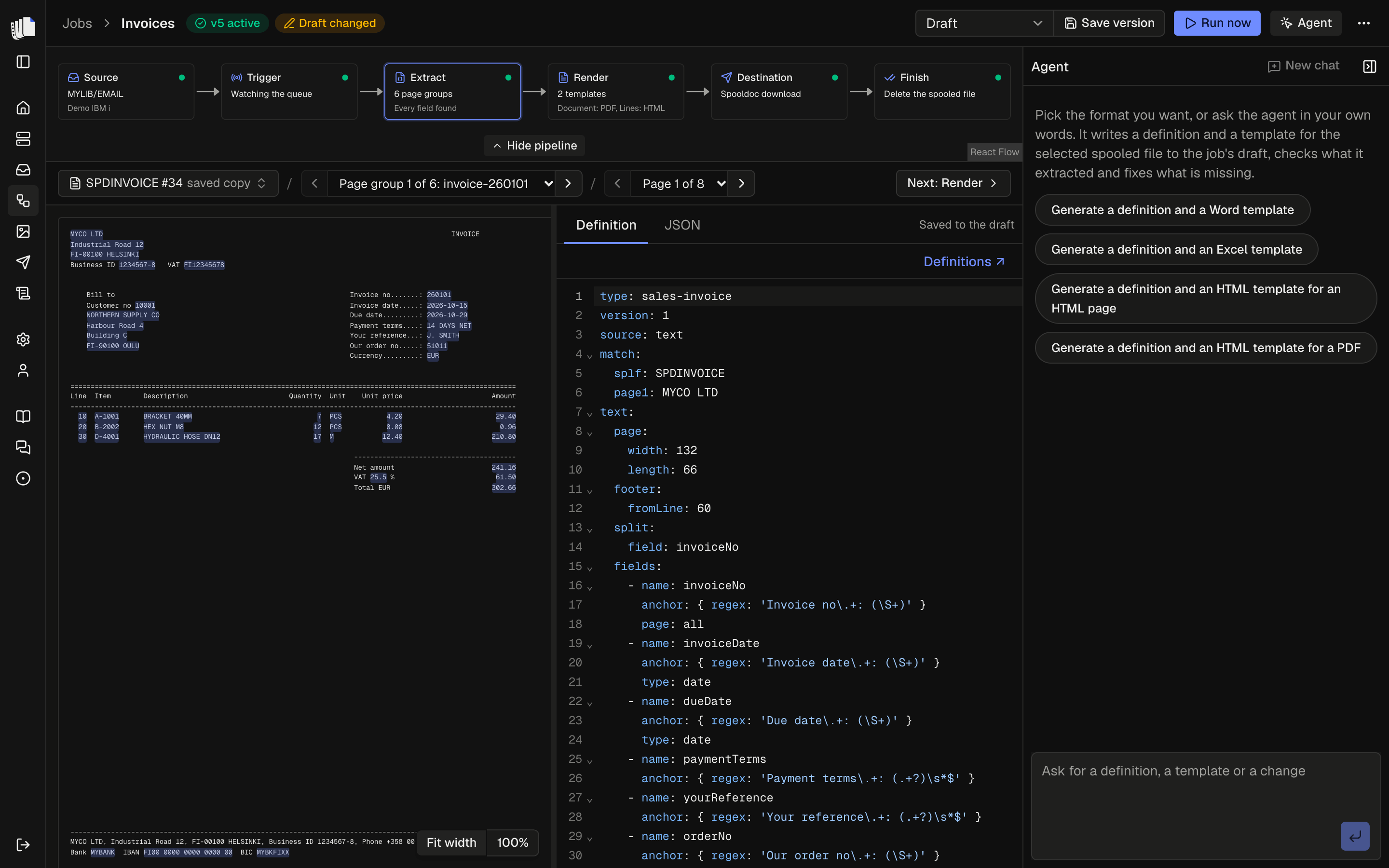
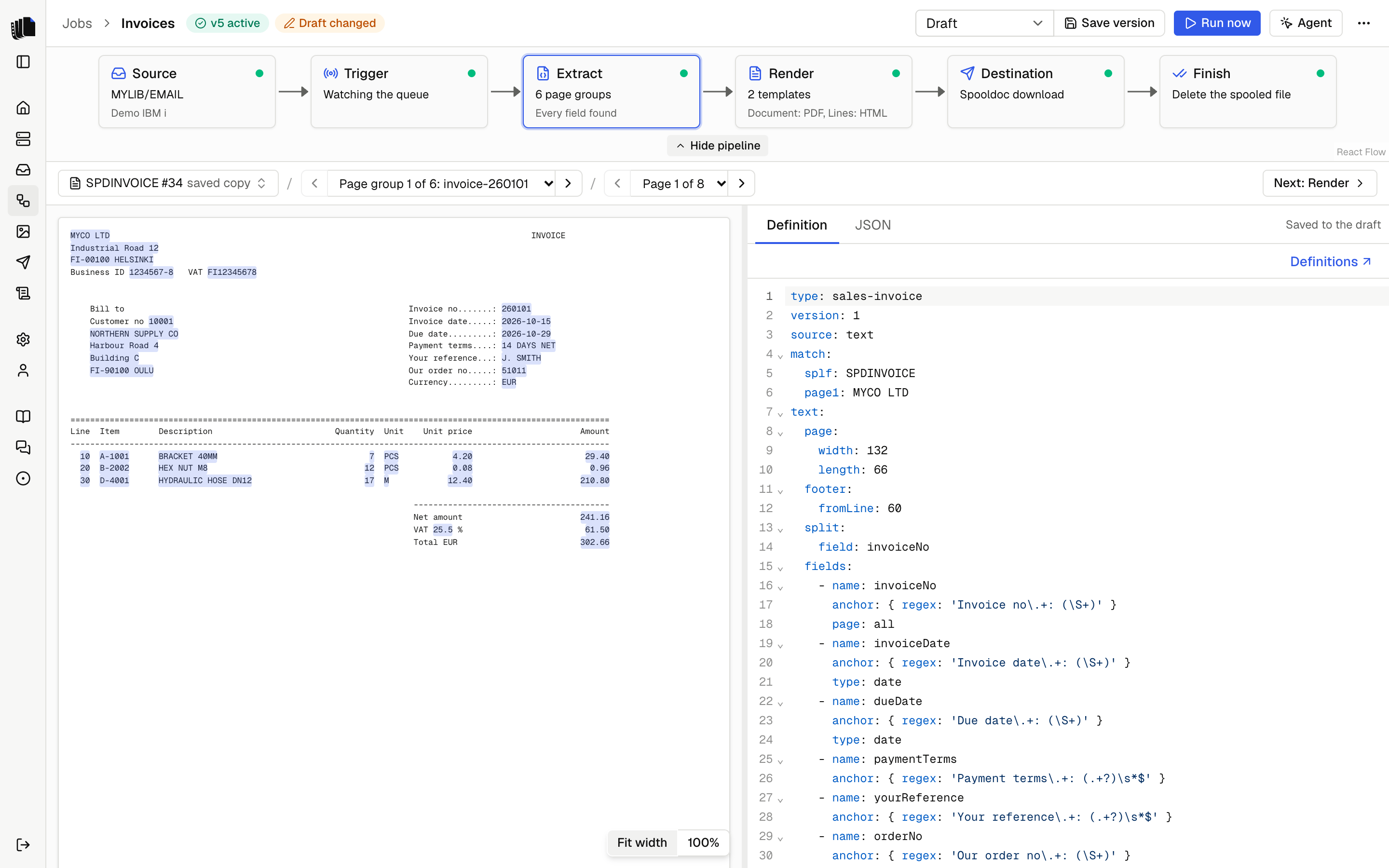
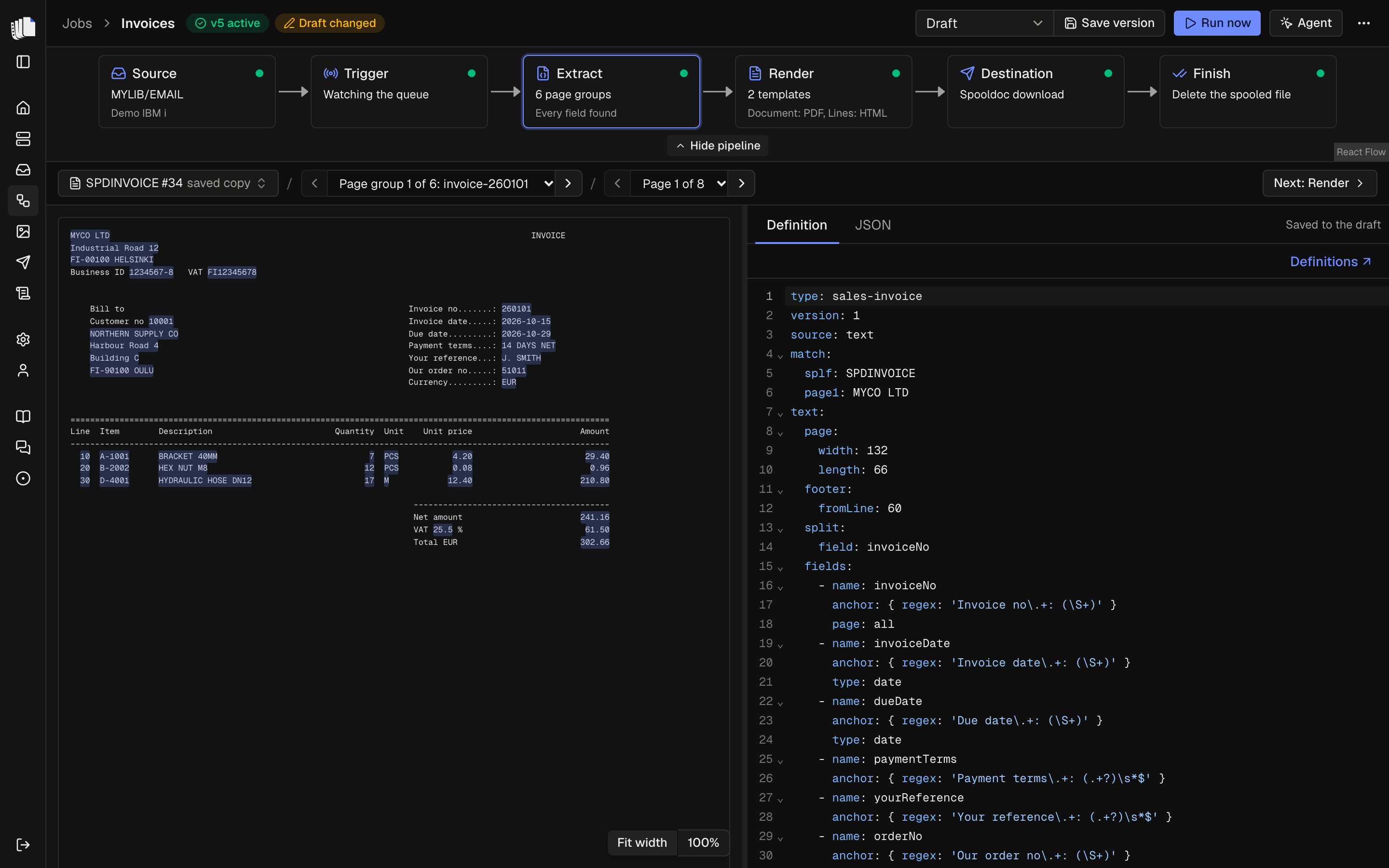
The sample page with every field it found highlighted, next to the YAML that found it.
Templates
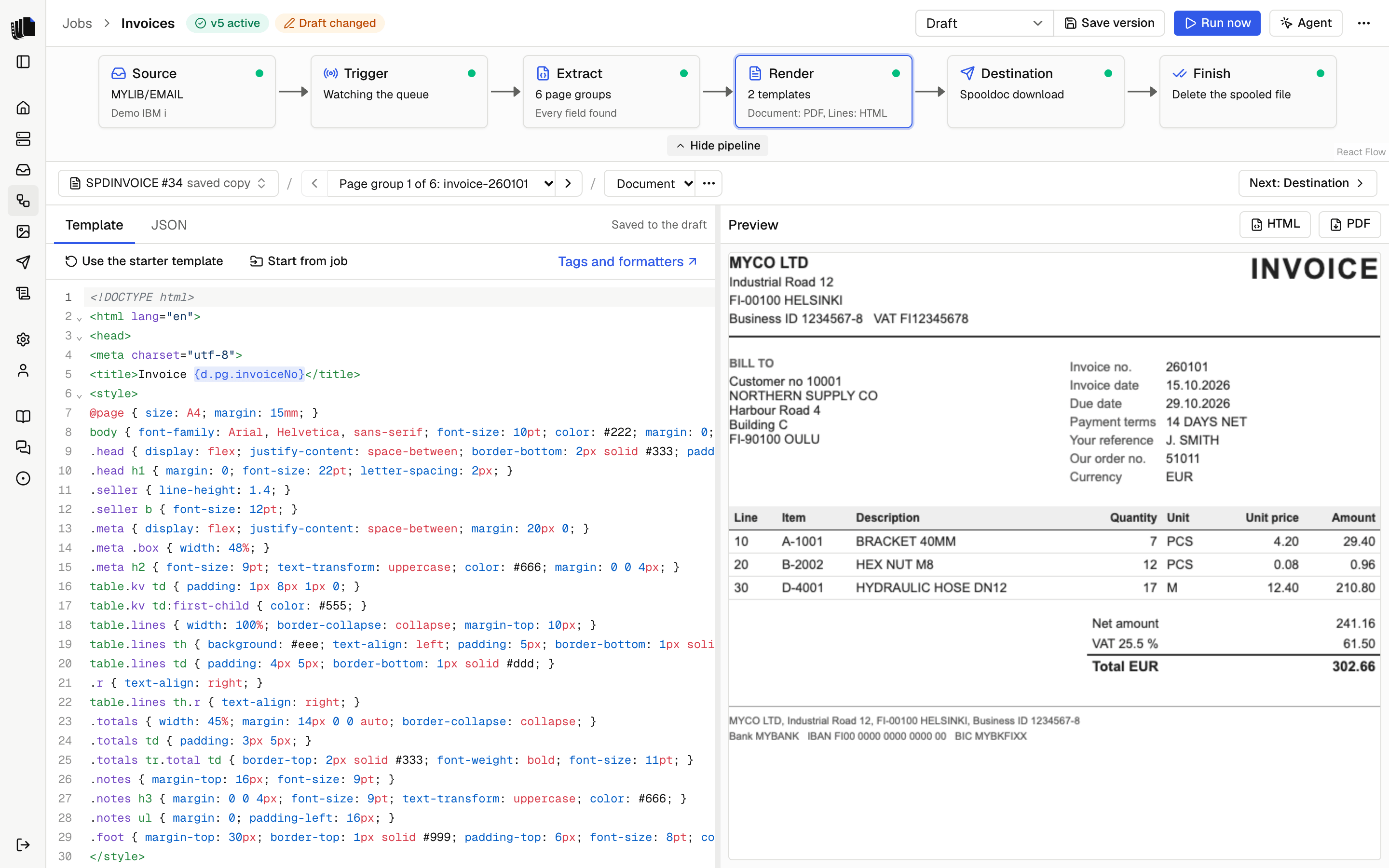
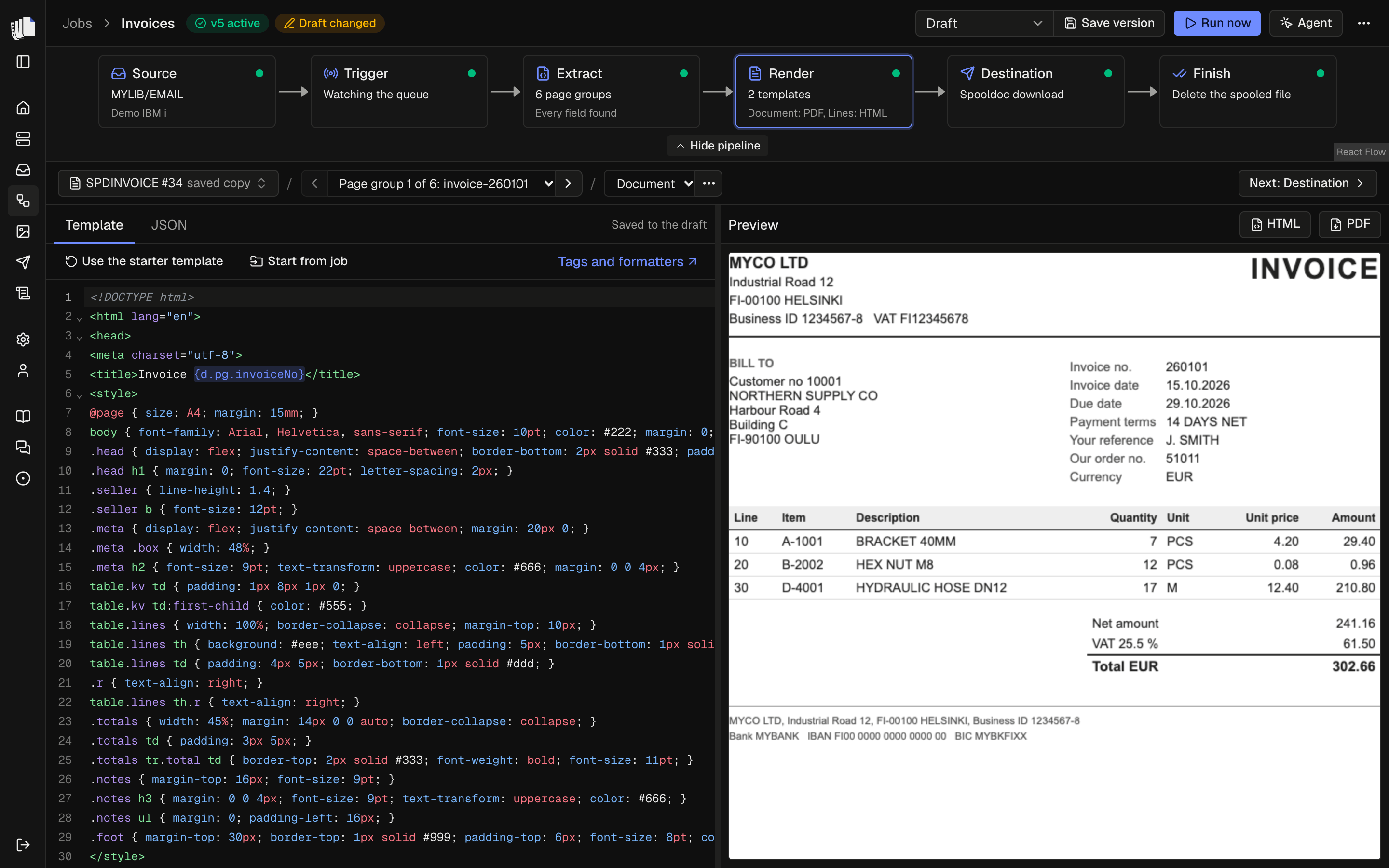
An HTML template beside the document it makes, rendered by Carbone as you edit.
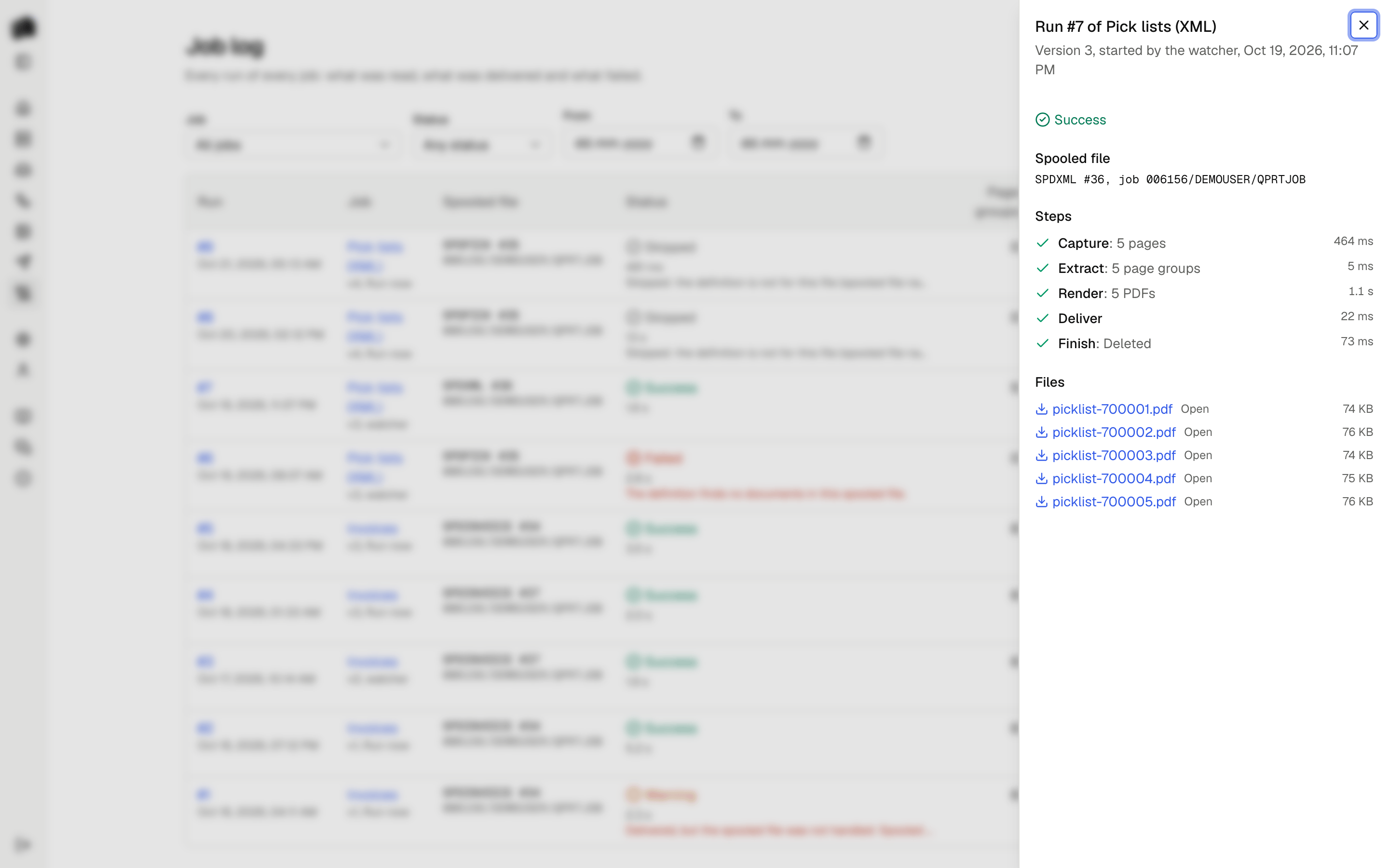
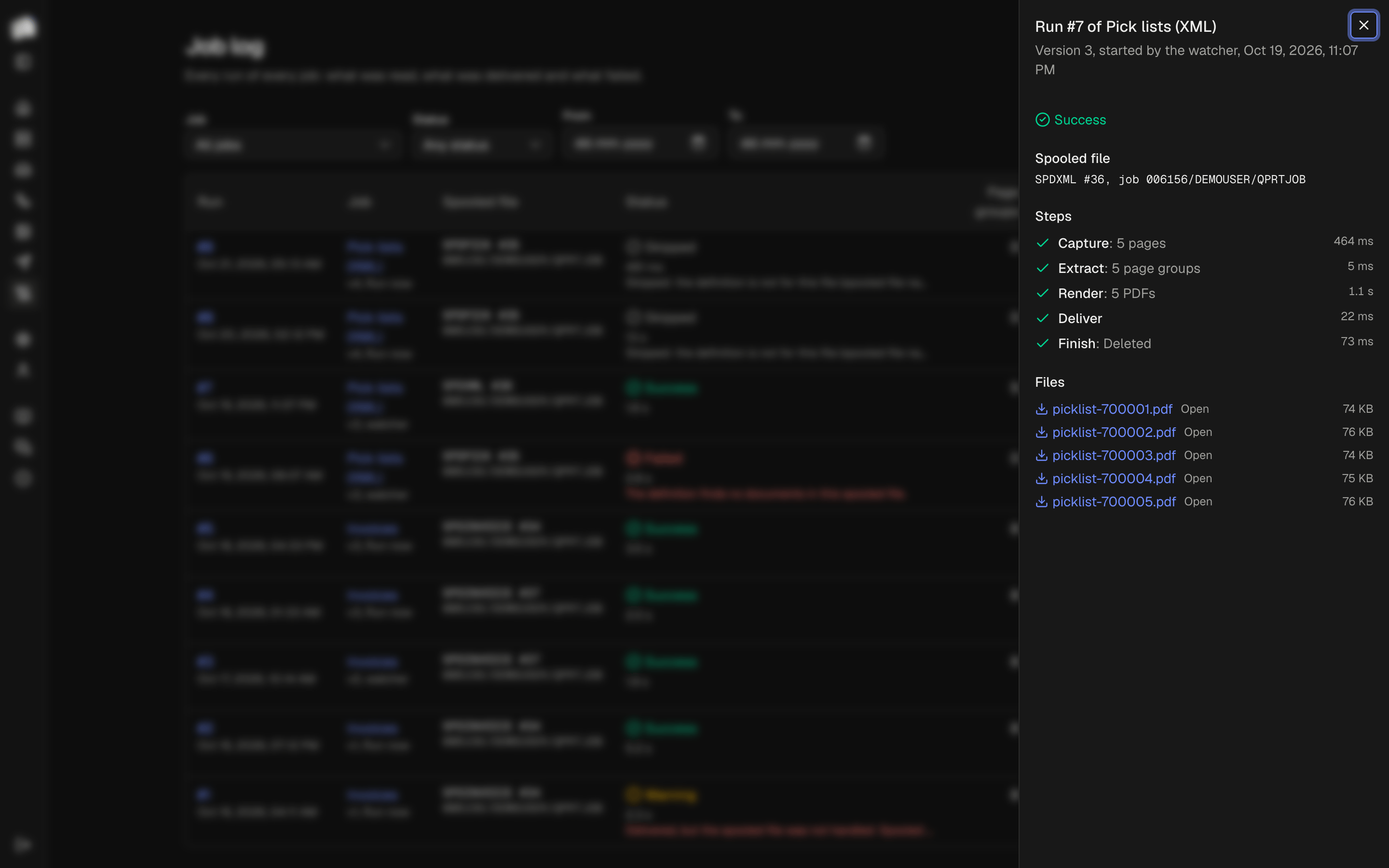
Job log
Every run with its steps, their timings and the files it delivered.
What it does today
Servers and queues
Your programs print as they always have. You add the IBM i and pick its output queues.
Definitions in YAML
A definition reads each page into JSON: fields, tables, records and page groups.
Templates you already know
HTML, Word or Excel with Carbone tags, rendered to PDF, HTML, DOCX or XLSX.
The agent
The agent drafts the definition and the template from a sample. You decide.
Jobs as pipelines
Source, trigger, extract, render, destination, finish. Saved as versions.
Job log
Every run is on the record, with its steps, errors and files.
Download and IFS destinations
Files go to a download in Spooldoc or to a folder in the IFS.
One Compose file
The web app, Postgres and Carbone, on amd64 and arm64.
Latest posts
Spooldoc 0.3.0: Word, Excel and the IFS
Word and Excel templates, the agent that designs them, an IFS destination, Carbone for every document, and connections that come back.Spooldoc 0.2.0: errors that say what to do
IBM i errors in plain words with the next step, a confirmation before a job deletes, and no failure that goes unseen.Spooldoc 0.1.0, the first release
Spooled files into PDF or HTML documents, with definitions in YAML, HTML templates, jobs that watch a queue, the agent and a job log.